K–12 trends · 6 min read
Students Fixing Chromebooks: How Student Repair Programs Build Skills and Extend IT Capacity
November 5, 2026 · AKKO K–12 Team
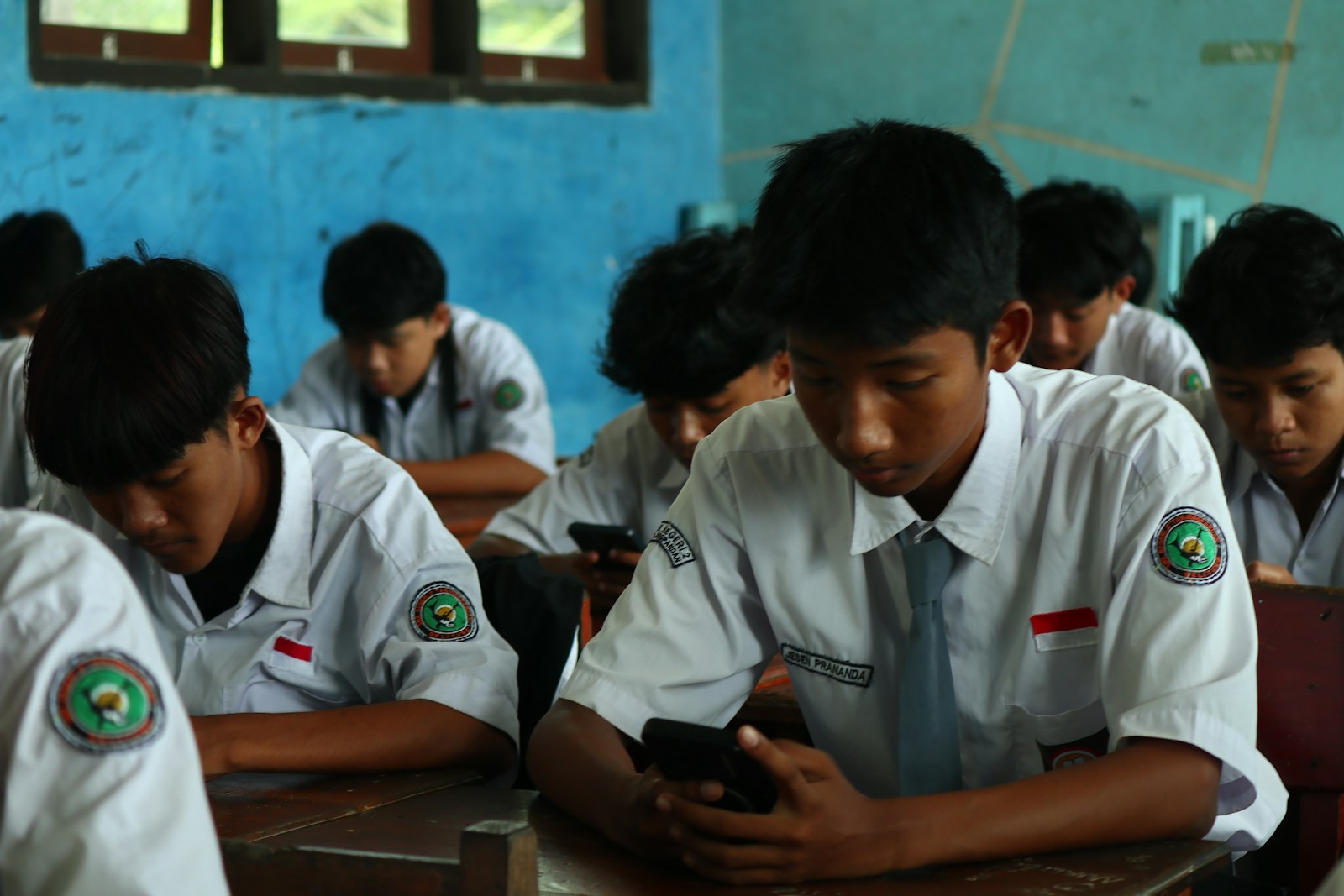
Photo by Fajar Herlambang STUDIO on Unsplash
Student-run Chromebook repair programs ease repair backlogs while building a CTE tech pipeline. Here's how to launch one alongside your device protection strategy.
Device repair backlogs are a constant reality in K–12 1:1 programs. Screens crack, hinges break, ports fail, and the queue grows faster than one or two technicians can clear it. At the same time, districts need to build pathways into tech careers — and students are looking for hands-on learning that leads to credentials and jobs.
A growing number of schools are solving both problems at once by training students to repair the Chromebooks, laptops and tablets their peers carry every day. Students at Licking Heights are earning technology credentials by fixing district-issued devices, and Granby Junior Senior High School's IT program is expanding with new equipment and 3D-printed parts. The programs offer a CTE IT pathway while cutting repair costs and wait times — if you design them with the right guardrails.
Why Student Repair Programs Are Gaining Traction
Three forces are converging:
- Repair backlogs strain 1:1 programs. One technician for 2,000 devices means students wait days or weeks for a loaner, and the loaner pool itself becomes a line item.
- CTE pathways need real-world projects. IT academies and computer-science tracks need more than theory; device repair offers immediate, meaningful work.
- Tech talent pipelines start in high school. Districts that train students in hardware repair, help-desk support and inventory systems are building the workforce they'll hire — or lose to better-paying markets.
Student repair and help-desk programs turn a cost center into a learning opportunity. Done well, they extend IT capacity without adding headcount, reduce repair costs, and give students credentials that matter in the job market.
What a Student Chromebook Repair Program Looks Like
The structure varies by district size and grade level, but the core model is consistent: students work under IT supervision to diagnose, repair and return devices to peers. Most programs operate as a CTE course, an IT academy track, or an after-school internship.
| Component | What it includes |
|---|---|
| Supervised workspace | Dedicated room with tools, parts inventory, and workbench setup |
| Intake and triage | Students log devices by asset tag, assess damage, route to warranty or in-house repair |
| Repair work | Screen replacement, keyboard swaps, hinge and port repair under IT oversight |
| Help-desk tier | Password resets, software troubleshooting, OS reimaging — the tickets IT doesn't need to touch |
| Credential track | CompTIA A+, Google IT Support, or manufacturer-specific certifications |
Programs typically start small — one class period, one supervising teacher or technician, a handful of students. As the model proves itself, districts expand hours, add certifications and fold the program into a broader CTE IT pathway.
Setting Up the Program: What You Need to Decide
Before you announce a student repair initiative, work through these questions with your IT director, CTE coordinator and building principal:
- Which repairs stay in-house, and which don't? Screen and keyboard replacements are straightforward; logic-board work and liquid-damage diagnosis require more skill and carry warranty risk. Define the scope clearly.
- Who supervises, and when? A certified teacher with IT experience is ideal, but many districts start with a technician who rotates into the classroom one period a day. After-school programs need stipend funding.
- Where do parts come from? Warranty repairs go back to the manufacturer. For out-of-warranty devices, you'll need a parts inventory and a process to order common components (screens, keyboards, hinges). If your district carries a device protection plan that reimburses parts and labor, that budget can fund the student program's parts closet.
- What about liability and data? Students work only on wiped devices or under direct supervision when data is present. Establish a clear chain of custody and a sign-off process before a repaired device goes back to a student.
- How do certifications fit in? CompTIA A+ is the most recognized entry-level credential; Google IT Support is free through Coursera and maps to Chromebook-heavy fleets. Build cert prep into the course structure, and budget exam fees if the district will cover them.
How Device Protection Fits the Model
Student repair programs handle routine, in-house fixes — but they can't cover everything. Theft, loss, severe liquid damage and total-loss incidents still require a funding mechanism, and warranty-sensitive repairs (especially on newer devices) must go through approved channels to preserve coverage.
A school device protection plan can work alongside a student repair program by covering the perils and scenarios the program can't: theft and loss, catastrophic damage, and parts reimbursement for approved in-house repairs. When the district's plan reimburses parts and labor, those funds support the student program's inventory and operations. Students handle the work; the protection plan handles the cost and the risks the program isn't designed to absorb.
Measuring Success: What to Track
Student repair programs justify themselves in two ways: cost savings and student outcomes. Track both from the start.
| Metric | What it tells you |
|---|---|
| Devices repaired in-house | Volume and types of repairs students complete |
| Repair turnaround time | Days from intake to return; compare to pre-program baseline |
| Parts and labor cost | What the district would have paid a depot or vendor for the same work |
| Student certifications earned | CompTIA A+, Google IT Support, manufacturer credentials |
| Post-graduation placements | Students hired into IT roles or enrolled in tech programs |
Present these numbers to the school board annually. A program that repairs 150 Chromebooks a year at $80 average parts-and-labor savings is a $12,000 line item that also produced five A+ certifications and two IT hires. That's a story that renews funding.
Common Pitfalls and How to Avoid Them
Not every student repair program succeeds. The ones that stall share a few patterns:
- No clear scope. If students are expected to fix everything, the program becomes a bottleneck. Define what's in-house, what's warranty, and what's out of scope.
- Insufficient supervision. One teacher with 30 other responsibilities can't sustain a repair program. Budget for dedicated supervision time, even if it's one period a day.
- Parts shortages. Running out of screens or keyboards in week three kills momentum. Establish a parts-ordering process and a small standing inventory before you take in the first device.
- No pathway beyond the program. If the course ends without a certification or a job connection, students see it as busy work. Partner with local MSPs, your county IT co-op, or community colleges to build a bridge.
Why This Matters Now
1:1 programs are permanent, and so is the repair burden. Hiring another full-time technician costs $60,000 a year plus benefits; outsourcing every repair to a depot costs $80–$150 per incident. A student repair program costs a fraction of either — and produces graduates with credentials, references and real troubleshooting hours.
The districts getting this right are treating student repair not as a cost-cutting tactic but as a CTE investment that happens to ease the IT workload. The repair queue is the curriculum, the help-desk tickets are the homework, and the outcome is a pipeline of students who know how to fix things, talk to users and manage a queue — the skills every IT department needs and every managed-services provider will pay for.
If your district is considering a student Chromebook repair program, start with the scope, the supervision and the parts logistics. Define what students will handle, what certifications they'll earn, and how the program fits your broader device-management and CTE strategy. The repair backlog isn't going away — but it can become the best hands-on learning opportunity your IT academy has.
Want this running in your district next semester?
Book 15 minutes →