K–12 trends · 6 min read
Computer Labs vs. 1:1: How to Defend Your Device Program When Critics Call for a Rollback
November 10, 2026 · AKKO K–12 Team
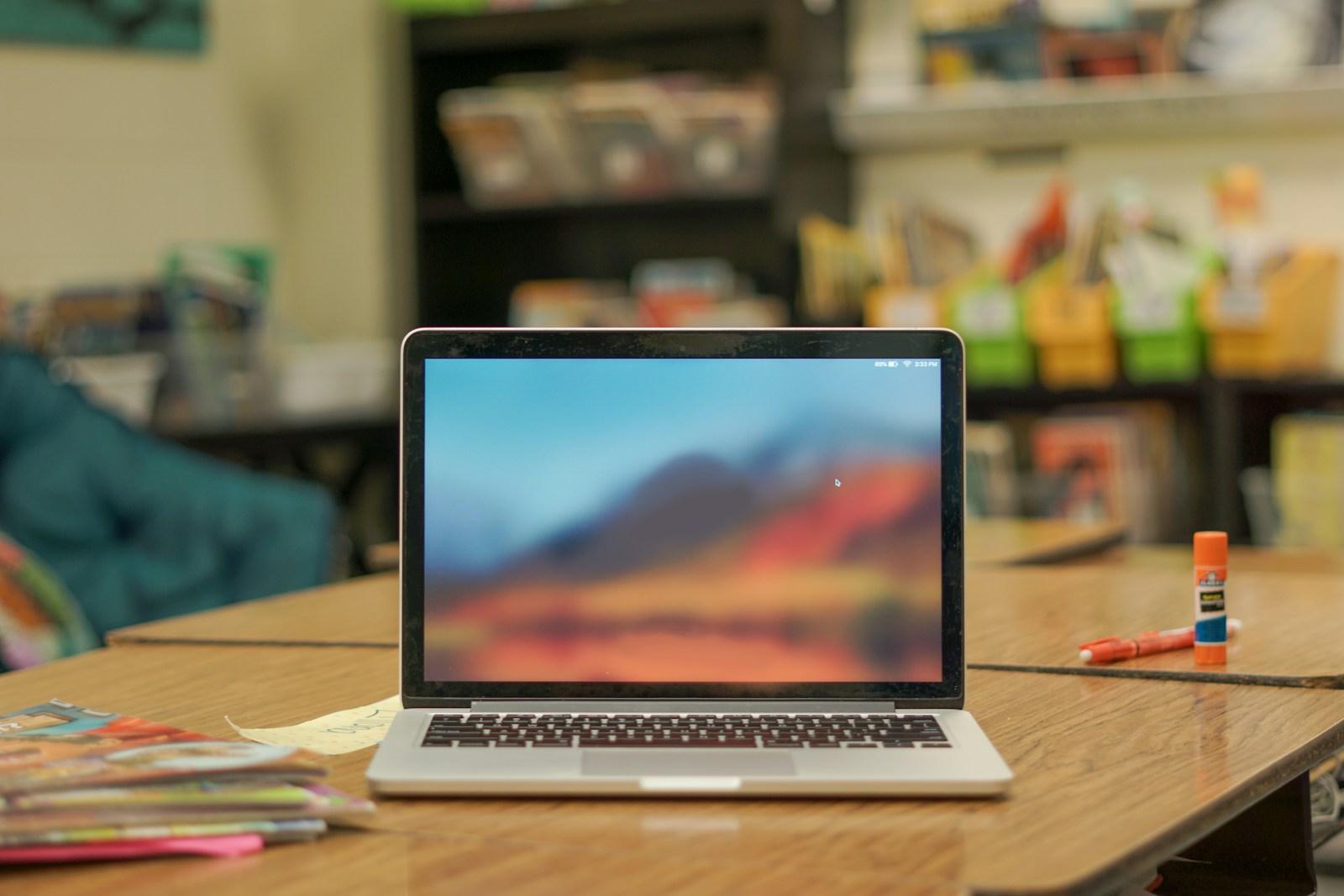
Photo by Thomas Park on Unsplash
The phone ban debate is moving to school-issued laptops. Here's how to answer the critique—and what to fix if your 1:1 program really is broken.
Phone bans are spreading across K–12, and the debate is shifting. A recent opinion piece in The 74 argues that phones aren't the only driver of in-class distraction—school-issued laptops are just as bad. Students scroll social media, play games, chat with AI and watch YouTube on district devices, the author writes, and the solution is to end 1:1 programs and bring back computer labs.
Similar critiques are surfacing in editorial boards and parent forums. The Virginian-Pilot published a column making the same case: phone bans aren't enough, and the school-issued laptop needs fixing. For district leaders, this is no longer an abstract conversation. It's a direct challenge to the premise of 1:1 programs—and it could affect device budgets, board support and community trust.
Why This Critique Matters Now
Phone bans are popular with parents and politically safer than many ed-tech decisions. Once phones are locked away, the next question is obvious: what about the Chromebook sitting open on the desk? If a student can spend fourth period on TikTok via the laptop, the phone ban looks performative.
The critique also lands at a time when many districts are planning device refresh cycles, negotiating family-purchase plans or defending technology levies. If your board or community believes school-issued devices are part of the distraction problem rather than the learning solution, your next budget conversation gets harder.
What the Critics Get Right
The argument isn't wrong on the facts. In many classrooms, school devices are used for off-task behavior—because the management and instructional design behind the program haven't kept pace with the hardware. Three things are usually true when 1:1 becomes a distraction engine:
- Device settings are too open. Students have unrestricted browser access, personal Google account sign-in or app stores that weren't locked down after deployment.
- Lesson plans don't justify the device. If the Chromebook sits open but isn't required for the task, students will find another use for it.
- Teachers lack training or agency. Educators weren't shown how to use classroom management tools like GoGuardian, Hapara or built-in ChromeOS restrictions—or they were told to use the devices without input on when and why.
These aren't indictments of 1:1 programs. They're signs that a program was funded but not fully designed.
The Case for Managed 1:1 Over a Lab Rollback
Returning to computer labs solves the distraction problem by eliminating take-home access and limiting when devices are in students' hands. But it also eliminates the pedagogical advantages that justified 1:1 in the first place: differentiated assignments, real-time formative assessment, access to adaptive learning platforms and homework equity for students without home internet or devices.
A managed 1:1 program delivers those benefits while addressing the distraction critique. Here's what that looks like in practice:
| Element | Computer Lab Model | Managed 1:1 |
|---|---|---|
| Access | Scheduled periods only | In class and at home |
| Differentiation | Limited by shared time | Personalized pacing and tools |
| Distraction control | Physical: devices locked in lab | Technical: DNS filtering, app restrictions, session monitoring |
| Teacher discretion | Book the lab or don't | Device open when needed, closed when not |
| Home equity | Students without devices are on their own | District device levels the field |
The middle path isn't "devices always open." It's "devices available, settings locked down, and usage driven by instructional purpose."
What School-Issued Laptops Distraction Policy Should Include
If your district is fielding the lab-vs-1:1 question, the answer isn't a white paper—it's a checklist your board and parents can see you're working. Here are the levers that turn a distraction risk into a managed tool:
- Content filtering that follows the device. DNS-level blocks for social media, gaming sites and video platforms during school hours, on-network and off. Many districts filter the school Wi-Fi but leave home access wide open.
- App and extension lockdown. Disable the Chrome Web Store, personal account sign-in and any app not approved by IT. Students should not be able to install TikTok, ChatGPT extensions or game emulators.
- Classroom session monitoring. Tools like GoGuardian Teacher, Dyknow or Hapara let educators see every open tab in real time and close distracting sessions without walking the room.
- Clear "device open / device closed" norms. Train teachers to explicitly state when the Chromebook should be open and when it should be closed. If the device isn't needed, it shouldn't be open.
- Parent visibility. Offer parents a weekly email or dashboard showing their student's activity summary—not to surveil, but to build trust that the district is managing the tool.
- An acceptable-use policy with consequences. Students and families sign an AUP that defines misuse and the response. Make it a condition of the take-home program, and enforce it.
The Argument You'll Need to Make
When a board member or columnist says "just go back to labs," your answer should be a two-part argument: what you're protecting (equity and instructional flexibility) and what you're tightening (access, settings and accountability). Frame it this way:
"We're not choosing between distraction and learning. We're choosing between a managed tool and no tool at home. Our students don't all have laptops and internet. The school-issued device is how we guarantee access to assignments, to Canvas, to the adaptive math platform their teacher assigned at 2 p.m. We take the distraction risk seriously, which is why we've locked down app installs, filter content on and off campus, and trained staff to monitor sessions in real time. If a device isn't being used for learning, it should be closed. We enforce that, and we're tightening the policy this year."
When 1:1 Is Worth Defending—and When It Isn't
Not every 1:1 program deserves to survive unchanged. If your district handed out Chromebooks in 2020, called it a program and never revisited the settings or the pedagogy, the critics have a point. The device became a subsidy for distraction.
But if your program includes filtering, monitoring, teacher training and a device protection plan that keeps broken units out of students' hands for weeks at a time, the infrastructure is there. The work now is making sure every stakeholder—teachers, parents, board members—can see that the program is managed, not just funded.
One practical lever: if families are covering accidental damage through a district-offered plan, parents have a financial stake in the program working. They're less likely to support a rollback if they've invested in protecting the device. That doesn't win the debate on its own, but it shifts the conversation from "the district wasted money" to "we're all in this together."
The Bottom Line
The call to ditch school-issued laptops isn't going away. It's the next front in the screen-time backlash, and it will show up in your next board meeting, your next levy campaign or your next parent forum. The answer isn't to dismiss the critique—it's to show you've already tightened the program, or to tighten it now. Managed 1:1 with locked-down settings, clear instructional norms and protected device fleets is defensible. An unmanaged fleet of open browsers is not.
If you can't yet describe your content filtering policy, your classroom monitoring tools and your AUP enforcement in two sentences, that's the work. The computer-lab argument will keep gaining traction until you can.
Want this running in your district next semester?
Book 15 minutes →