K–12 trends · 6 min read
ChromeOS Support Ends in 2034: What It Means for Your District's Refresh Plan
October 13, 2026 · AKKO K–12 Team
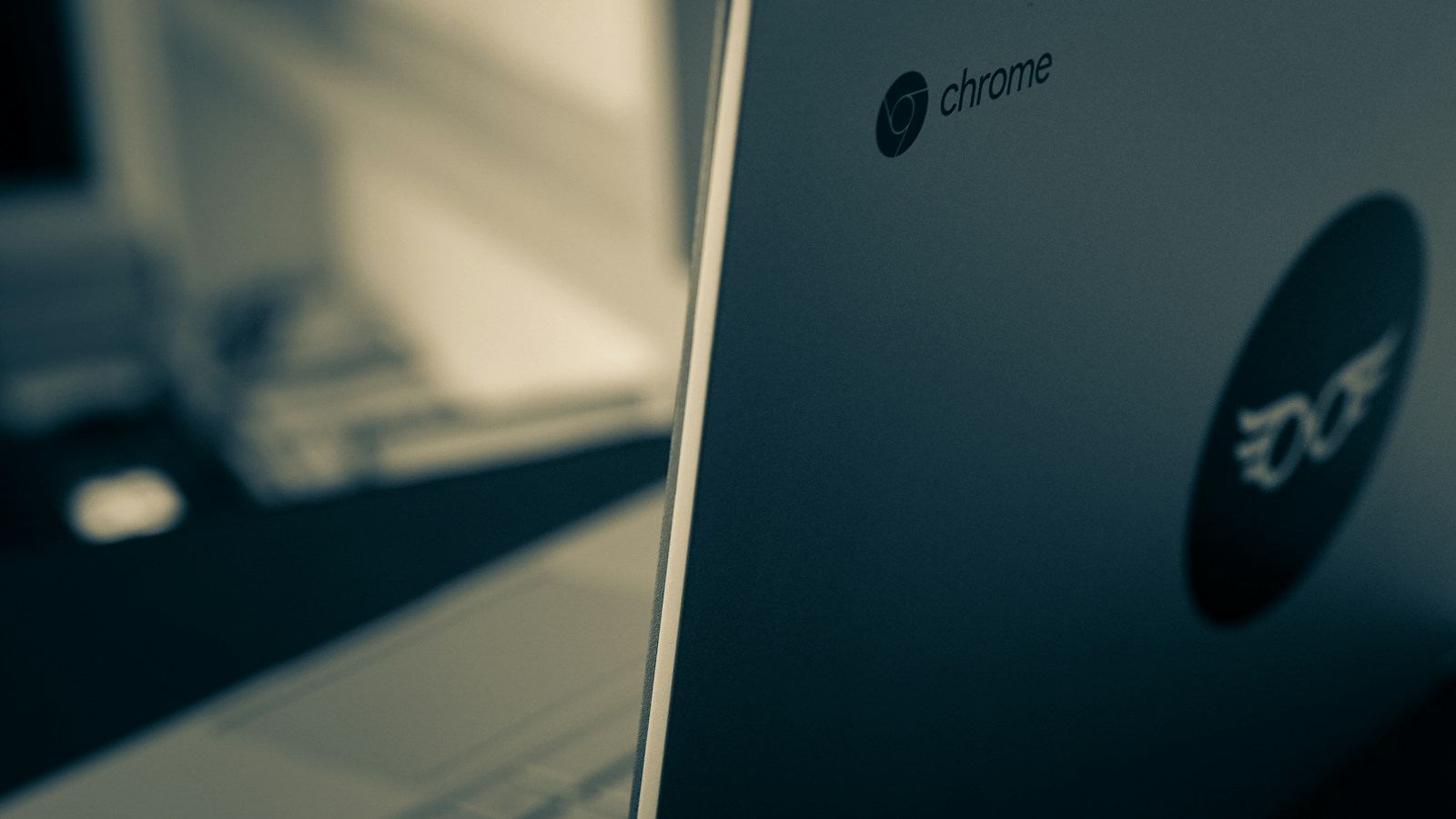
Photo by Kind and Curious on Unsplash
Google has confirmed ChromeOS support will wind down in mid-2034. Here's how to build a lifecycle plan that protects your budget and extends the value of your current fleet.
Google has confirmed ChromeOS support will wind down in mid-2034, not the 2036 date many districts had been planning around. Multiple outlets also report that districts moving to Googlebook will require new licenses. If your 1:1 program runs on Chromebooks — and most do — this date change shortens your refresh window and raises two urgent questions: How long should we keep and protect the fleet we already own? And when do we start planning the transition?
This isn't just a support calendar change; it's a budget planning trigger. Many districts built their refresh cycles assuming a longer ChromeOS runway. That assumption just shifted by eighteen months, and the ripple hits purchasing plans, device lifecycle budgets, and the question of whether to invest in repairing devices you'll replace sooner than planned.
Why the 2034 ChromeOS End of Support Date Matters
A fixed end-of-support date does three things to a district budget. First, it sets a deadline for your current Chromebook fleet: devices without updates won't meet security standards or app compatibility requirements. Second, it compresses the window for districts that had budgeted refresh cycles through 2036. Third — and this is the operational detail most CFOs and CTOs notice first — it changes the math on whether to repair a cracked screen or broken hinge on a device that's three or four years old.
The Malaysia example in recent coverage illustrates the exposure: school systems that standardized entirely on Chromebooks now face a coordinated fleet transition on a timeline Google controls, not a timeline the district budgeted for. Even districts with mixed fleets (some Chromebooks, some iPads or Windows devices) face a significant purchasing event, and most will need to stage it across multiple budget years.
How to Build a Chromebook Lifecycle Plan Around 2034
Start with a simple timeline. Count backward from mid-2034 and mark the last year you're comfortable deploying Chromebooks to students without full ChromeOS support for the device's expected service life. For most districts, that's 2030 or 2031 — meaning your next major Chromebook purchase may be your last under the current OS.
Here's a planning framework to pressure-test your current refresh cycle:
| Planning question | What it tells you | Action |
|---|---|---|
| Current fleet age | How many years remain before 2034 | Devices < 3 years old can likely serve through 2034; older devices may not |
| Planned replacement year | Does your refresh fit inside the ChromeOS window? | If your cycle assumed 2035–36 replacements, move the budget ask forward |
| Repair vs. replace threshold | Should you fix a 4-year-old device in 2025? | Compare repair cost to remaining useful life; extend only if it reaches 2034 |
| New license cost for Googlebook | Transition may not be cost-neutral | Request vendor pricing now; budget the delta if you stay in the Google ecosystem |
The Repair-or-Replace Decision Just Got Harder
Most districts already run a rough calculation: if a repair costs more than 40–50% of replacement value, retire the device. The 2034 end date tightens that math. A $150 screen repair on a Chromebook purchased in 2021 made sense when you expected another three years of service. That same repair in 2025 buys you fewer than nine years of useful life — and possibly fewer if the device can't support Googlebook or whatever replaces ChromeOS.
Here's the revised decision matrix for devices already in the field:
- Devices 1–2 years old: Repair. They'll reach 2034 with margin to spare.
- Devices 3–4 years old: Repair only if the cost is low and the device will realistically serve through 2033.
- Devices 5+ years old: Retire unless repair cost is under $50 and you're comfortable with a short remaining service window.
This is where device protection plans that cover the full fleet at a fixed annual cost start to pencil differently. If your district absorbs repair costs on a per-incident basis, the 2034 deadline means you'll spend money fixing devices with a shrinking lifespan. A plan that covers accidental damage, theft and loss at one price per device per year keeps older Chromebooks in service without runaway repair bills eating budget you'll need for the replacement cycle.
Budget Scenarios: Refresh Now, Refresh Later, or Hybrid
Three budget paths emerge, and the right one depends on your current fleet age and funding cycle:
| Scenario | When it fits | Trade-off |
|---|---|---|
| Accelerate the refresh | Fleet is already 3–5 years old | Front-loads spending but eliminates risk of devices failing before 2034 |
| Extend and protect | Fleet is < 3 years old; budget is tight | Lower near-term cost; requires disciplined repair spending and protection |
| Staged replacement | Large fleet; multi-year capital plan | Smooths the budget curve but requires careful sequencing by grade or school |
The staged approach is most common: replace the oldest third of the fleet in year one, the middle third in year two, and the newest third in year three. That keeps you inside the 2034 window without a single-year budget spike. The risk is that repair costs climb on the devices waiting for replacement, which is why many districts pair a staged refresh with a protection plan that caps per-device cost regardless of how many incidents occur.
What to Do This Quarter
Here's a four-step checklist for CTOs, IT directors and business officials:
- Audit your fleet by purchase year. Separate devices by cohort: which will realistically serve through 2033, and which won't? Export from your MDM or asset system and sort by acquisition date.
- Model your current repair spending. Pull the last 12 months of repair invoices, parts costs, depot fees and staff time. Calculate cost per incident and total annual spend. Compare that to the cost of a fixed-price protection plan for the same fleet.
- Request Googlebook pricing. Even if you're not certain you'll stay in the Google ecosystem, you need vendor numbers now to budget the transition. Ask what new licenses cost and whether existing ChromeOS licenses convert or expire.
- Draft a three-year device budget. Present two scenarios to your cabinet or board: accelerated refresh vs. staged replacement. Include the protection or extended-warranty cost for devices staying in service, and flag the decision point when repair spending overtakes the value of extending the fleet.
The Bottom Line
The mid-2034 ChromeOS end date is a planning deadline, not a crisis — but only if you treat it as one. Districts that adjust their Chromebook refresh cycle now will smooth the budget impact and avoid a scramble in 2032. Districts that wait will face a compressed purchasing timeline, aging devices with rising repair costs, and fewer options for staging the transition.
Run the fleet audit this month. Model the repair-vs.-replace math for your oldest cohort. And get vendor pricing for both Googlebook licenses and alternative platforms, because the decision to stay in the Google ecosystem or move to another OS is now a budgeted line item, not a distant hypothetical.
Want this running in your district next semester?
Book 15 minutes →